Create online graphics in a snap.
Turn a single prompt into scroll-stopping graphics
for
social media, ads, blogs, and more.
- Free plan
- Upgrade anytime
- No design skills needed
55,000+ customers served
30,000,000+ graphics made
4.6 on G2
How it works
From idea to graphic in three steps
Describe it
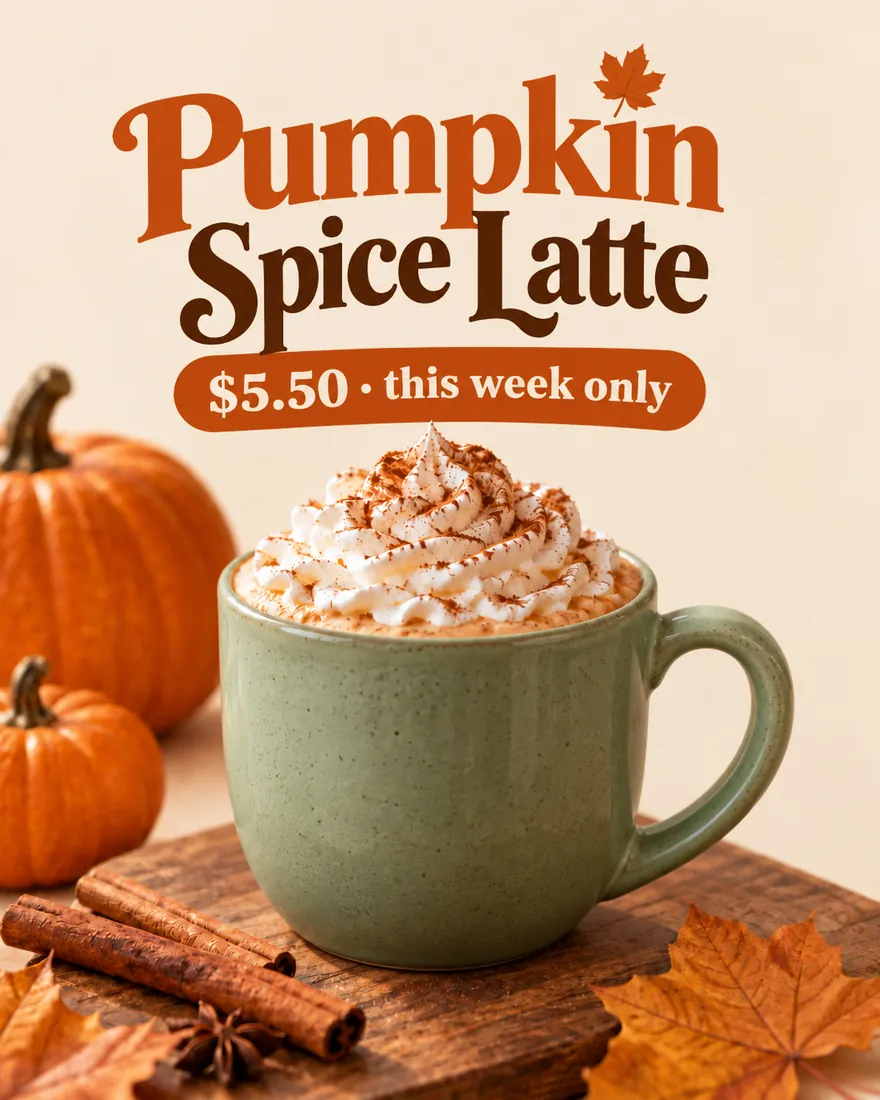
Say what you need in plain words, like a sale post for your bakery. Starting from a template? Just give it your details: the name, the date, the price.
Snappa generates it
You get a finished graphic at the size you picked, ready to post. No layouts to build, no fonts to choose.
Refine it your way
Ask for changes in plain words. If a spot is hard to describe, brush over it. Then resize it for any other platform in one click.


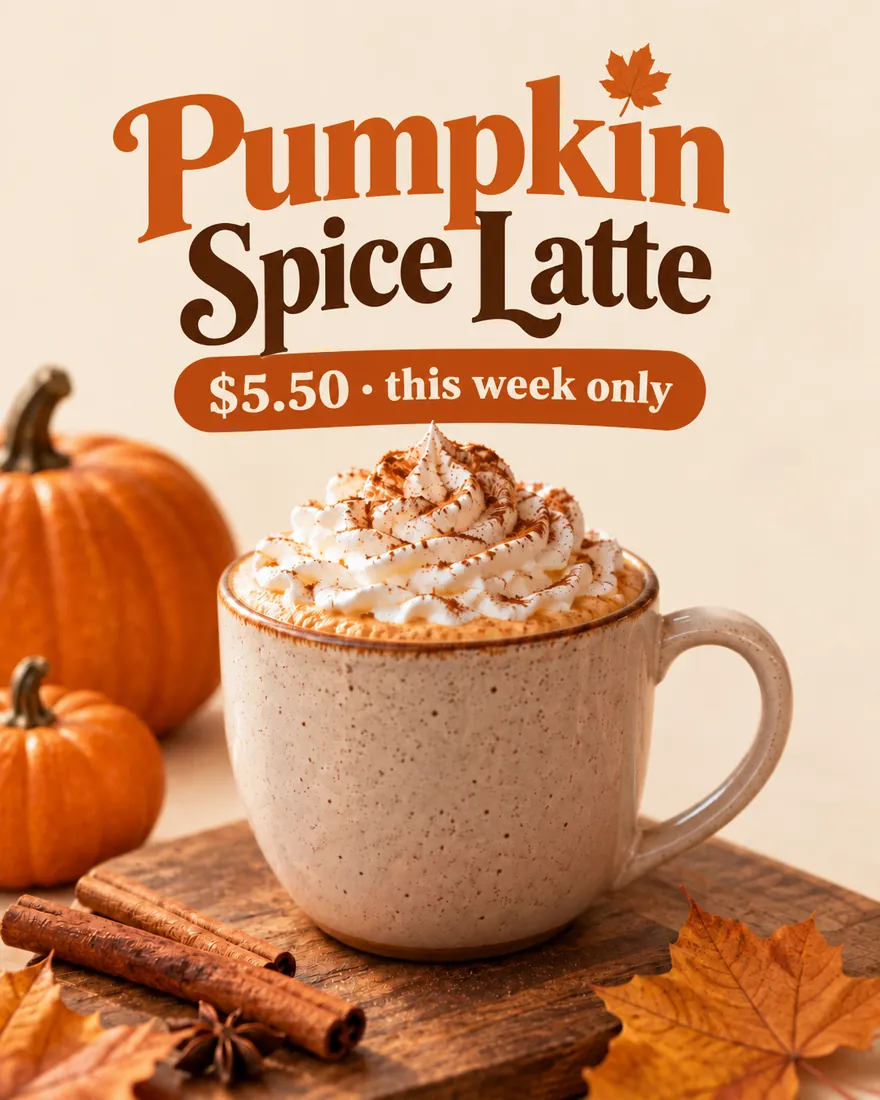
Templates that keep up
Design it once. Post fresh every week.
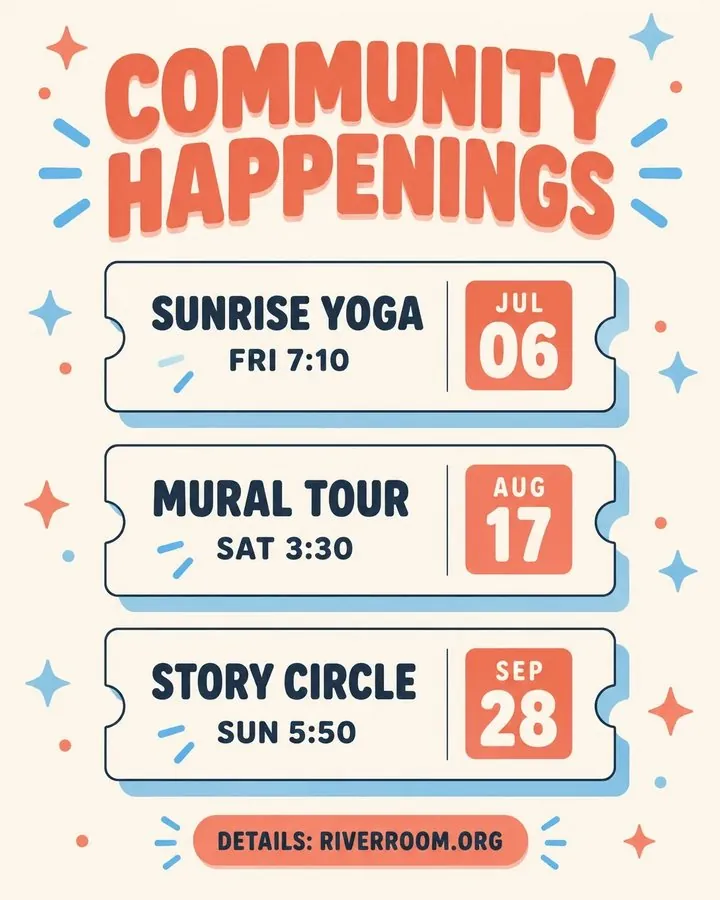
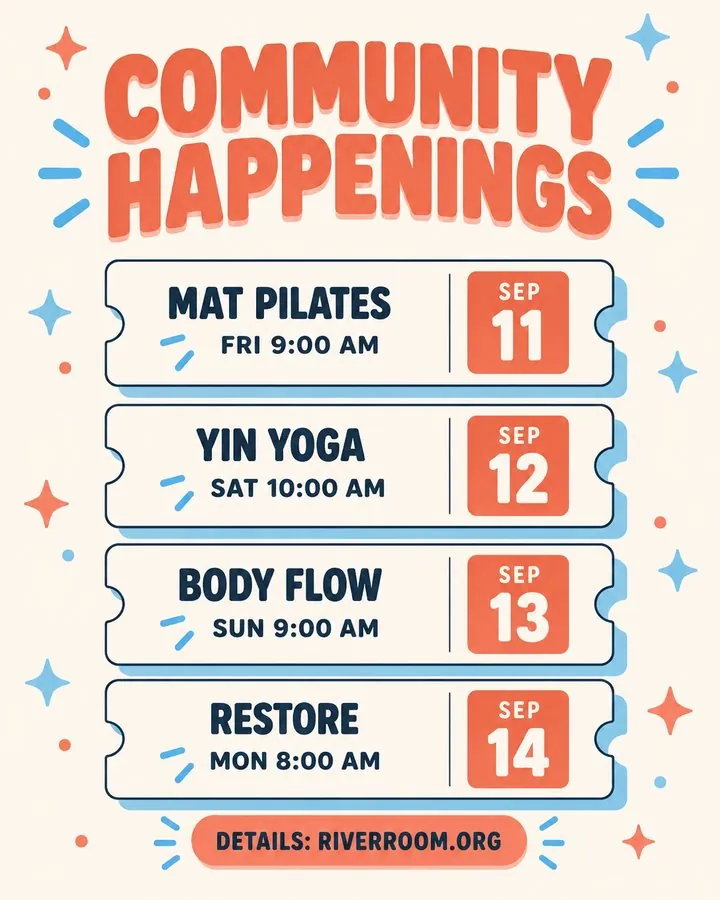
Start from 2,000+ templates or duplicate one of your own designs. Every week after that, updating it is one prompt.
Update the template with these events: Fri Sep 11 at 9am: Mat Pilates Sat Sep 12 at 10am: Yin Yoga Sun Sep 13 at 9am: Body Flow Mon Sep 14 at 8am: Restore
Reference images
Your people. Your products. In every post.
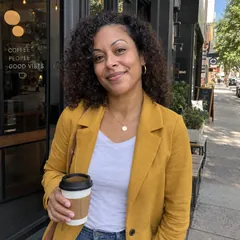
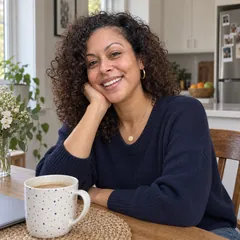
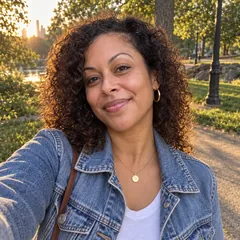
Upload photos of yourself, your team, or your products once. Then put them in any scene, style, or template.
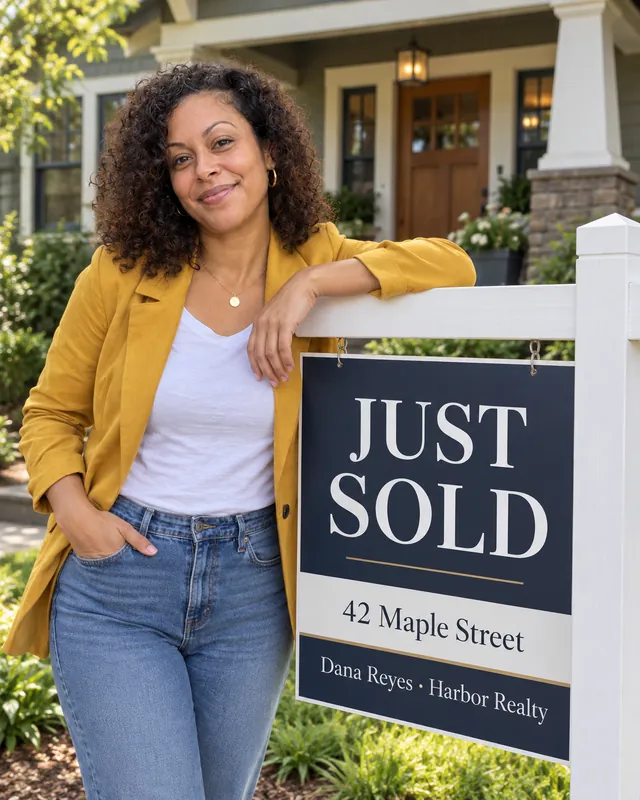
You in every post. No photoshoot.
A few everyday photos are enough. Put yourself in your weekly schedule, a new listing, or a new-episode card, looking like you.
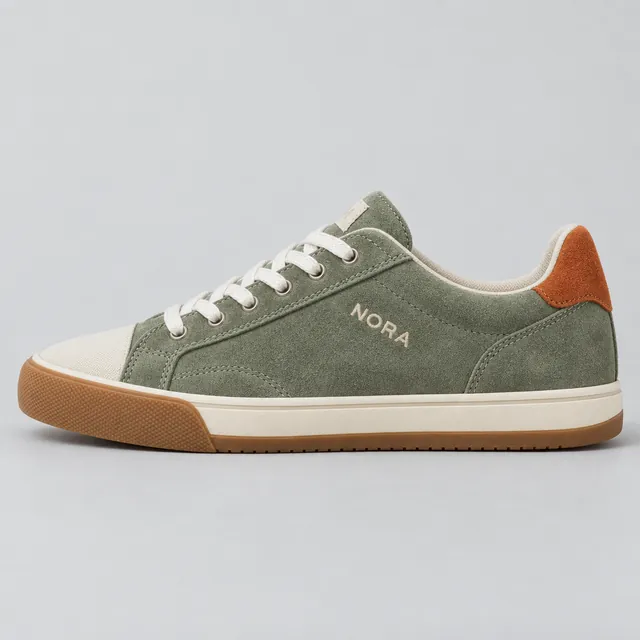
One product photo. Every post you need.
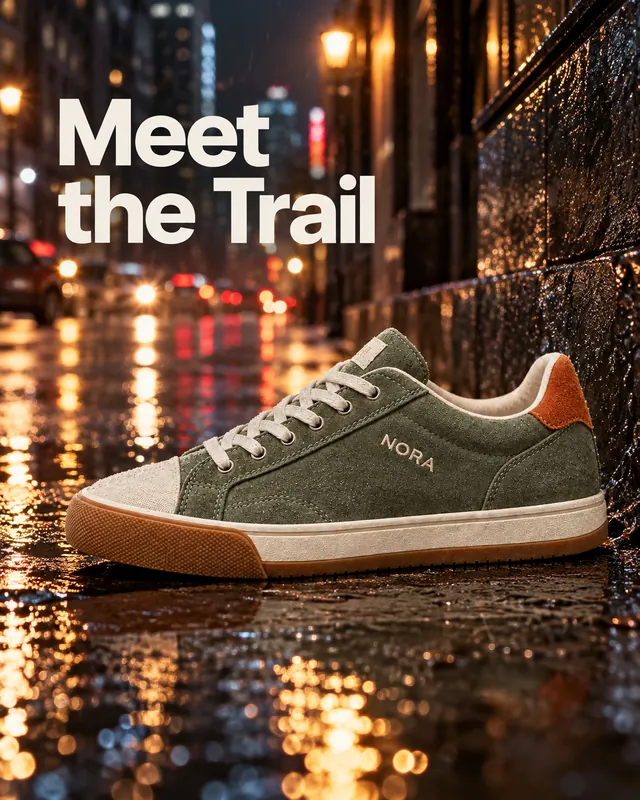
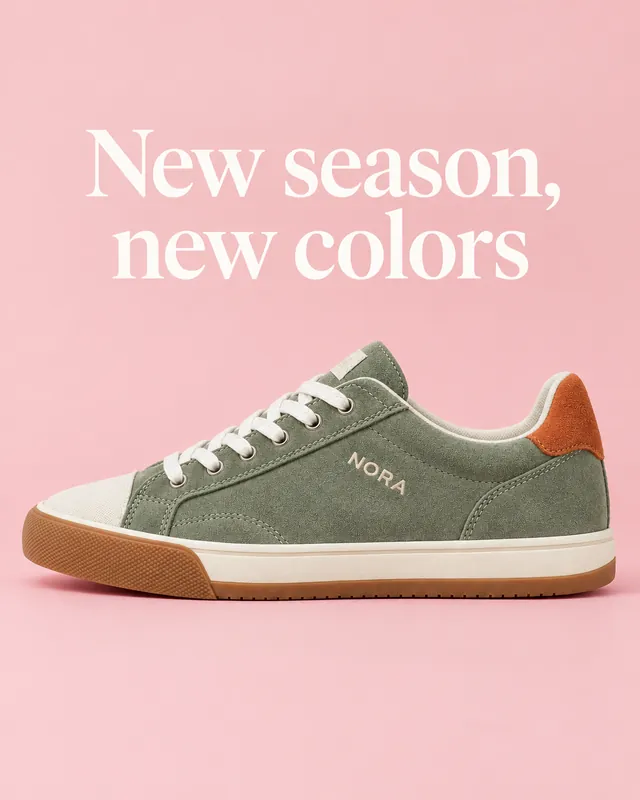
Upload a photo of your real product and put it on a city street, in a studio, or in a sale post. Logos, product shots, backgrounds: if you can photograph it, you can use it.
Features
Everything you need. None of the design work.
Every size, one click
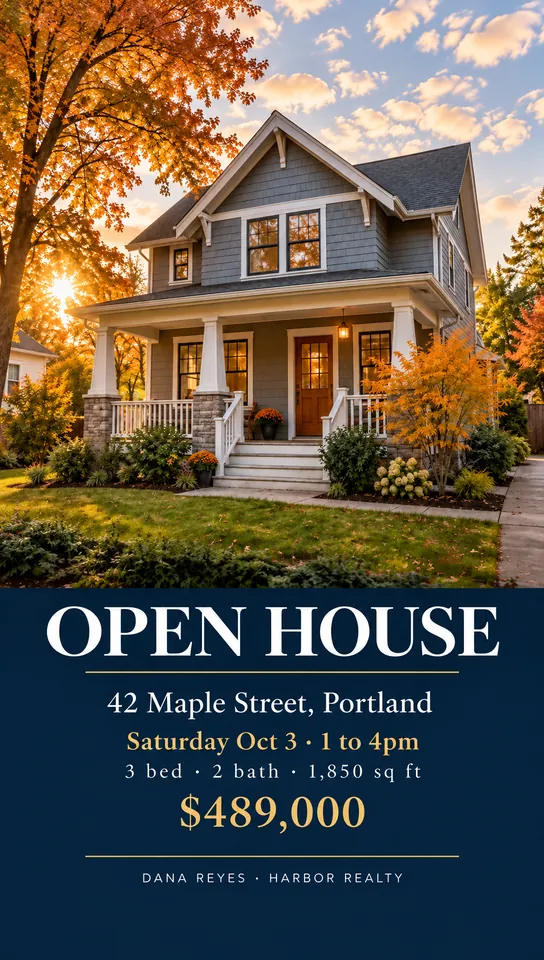
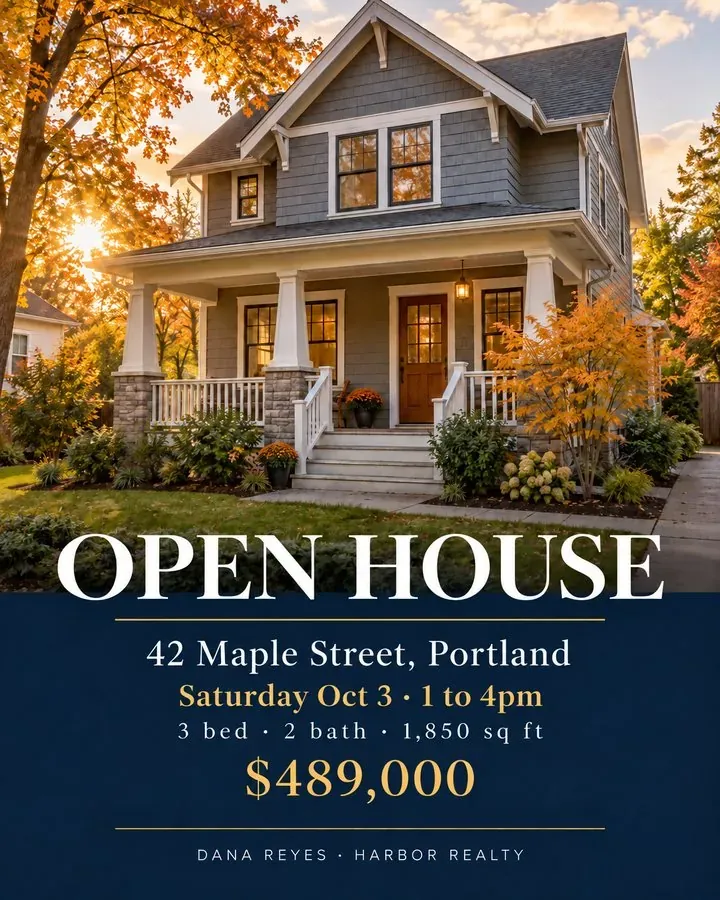
Turn any graphic into a Story, a feed post, or a wide banner in one click. Snappa recomposes it for the new shape instead of cropping, so your text and photo stay intact.

Change one thing. Keep the rest.
Just say what to change, like “make the headline bigger” or “swap the background for a beach”. When something is hard to describe, brush over it first. The rest of your design stays put. No layers, no masks.
Go back to any version
Every edit is saved as its own version. Jump back to any point and keep going from there, instead of hitting undo ten times.
Projects for every client
Keep your graphics organized in projects, one per client, campaign, or season, so this week’s posts are easy to find next week.
Built for each platform
Graphics follow researched rules for where they’re going: what Instagram crops, what a Story covers with buttons, and how big text needs to be on a phone.
Snappa is the best tool I've used to create images for blog posts & Facebook ads. In 5 minutes I can do what used to take me hours to do or pay designers to do.

Sujan Patel
Co-founder of Webprofits
Frequently Asked Questions
Is Snappa free?
What is a credit?
Can I use my graphics commercially?
Do I need design skills?
Can I put my own photos and products in my graphics?
Can I reuse a design every week?
What if I run out of credits?
Snappa is a must have tool for the non-designers who publish content online. It's super easy to use and has a nice set of templates, and despite its simplicity offers unlimited possibilities for creative minds.

Olga Andrienko
Communications & Social Media Lead @ SEMrush